

Your customers buy in their language, your team works in theirs. Fourteen languages ship with the store, eight with the back office, and Arabic and Hebrew read right to left. No module to buy, no code to write.
A German visitor lands on your store: it shows in German. A Moroccan visitor: in Arabic, right to left. You decide which languages you serve — the store takes care of the rest.


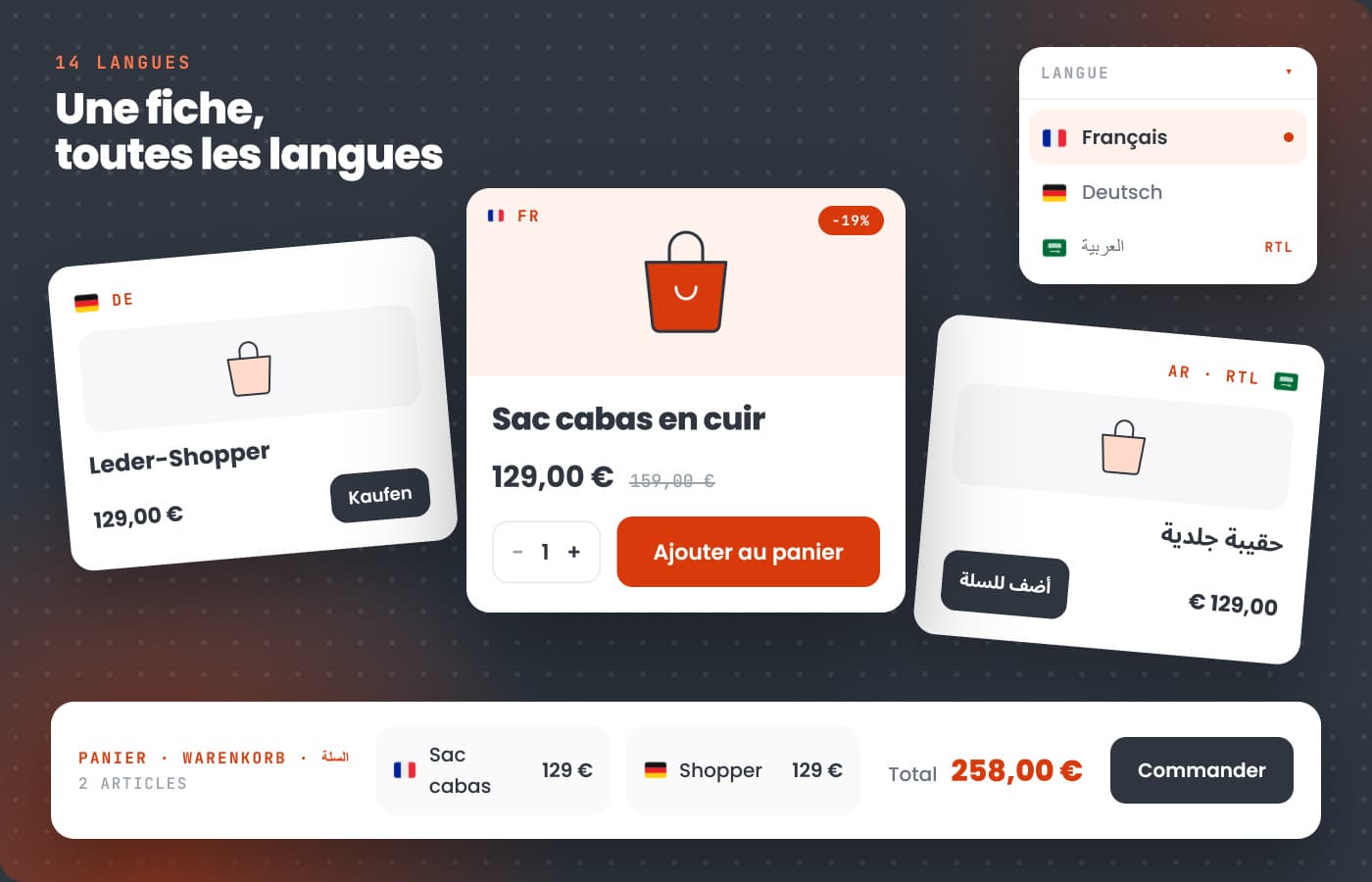
A translation that stops at the menu leaves the customer alone at the moment of paying. Here, every screen they pass through is translated — error messages included, the ones nobody ever sees in a demo and that quietly decide a sale.
Aisles, filters, sorting, availability and stock alerts.
Variants, quantities, reviews, buy buttons and error messages.
Summary, promo codes, shipping costs, saved carts.
Addresses, carriers, payment, confirmation — 160 labels on its own.
Sign-up, log-in, forgotten password, history and tracking.
Wishlists, order statuses, payment outcomes.
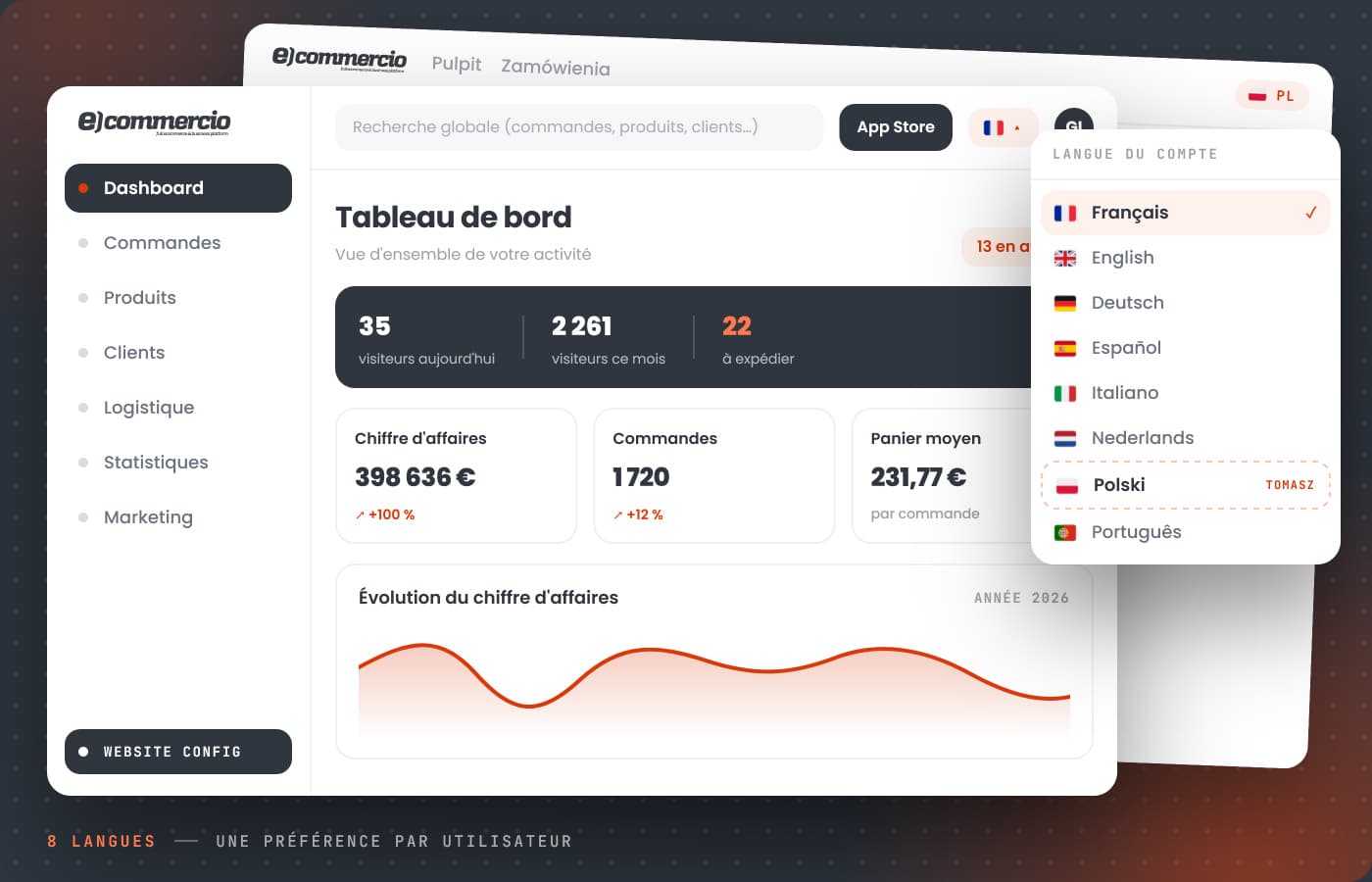
Hiring abroad should not mean hiring in French. The back office exists in eight languages, and the choice belongs to each user: your Polish stock manager works in Polish, on exactly the same store as you.
Plenty of platforms are happy to leave this vague. So let us be clear: what the platform displays of its own is translated and included; what you write yourself needs a translator — human or machine.
Navigation, filters, buttons, cart, checkout, customer accounts, order statuses, error messages, and the whole back office. Nothing to install, nothing more to pay: it ships with the platform, in every plan.
Product names and descriptions, pages, blog posts: your own words. The Weglot module, available in the App Store, translates them automatically and lets you refine every sentence. It runs on your own Weglot account.
A foreign customer also wants to see a price in their currency and pay the way they usually do. Those pieces exist, and they combine with multilingual.
The Currencies module converts prices on display, at European Central Bank rates. The cart and the checkout stay in the store's own currency.
See the modules →With Multi-Store, each market gets its own domain, default language, VAT and carriers — all run from a single back office.
Discover Multi-Store →Stripe, PayPal, Alma, GoCardless: the payment methods your customers expect in their own country, switched on one by one.
See payment methods →The fourteen languages are already there. All that is left is choosing which ones you want to serve.
